Logo Remover — Remove Logos from Any Image
Click or drag an image here
By uploading an image you agree to our Terms of Use and Privacy Policy.
Remove Scene
Tool
Brush Size
28pxCredits Required
FreeProcessing Mode
This free logo remover erases logos from any photo in seconds. Brand marks on clothing, sponsor logos on jerseys, watermarked logos on product shots, logos on walls, vehicles, screenshots, and scanned documents — brush over the logo and the AI rebuilds the surface behind it, whether that's fabric weave, glass reflection, or plain wall texture. No signup, no watermark, clean results that keep the original resolution — up to 4K with credits.
Free · No signup · No watermark
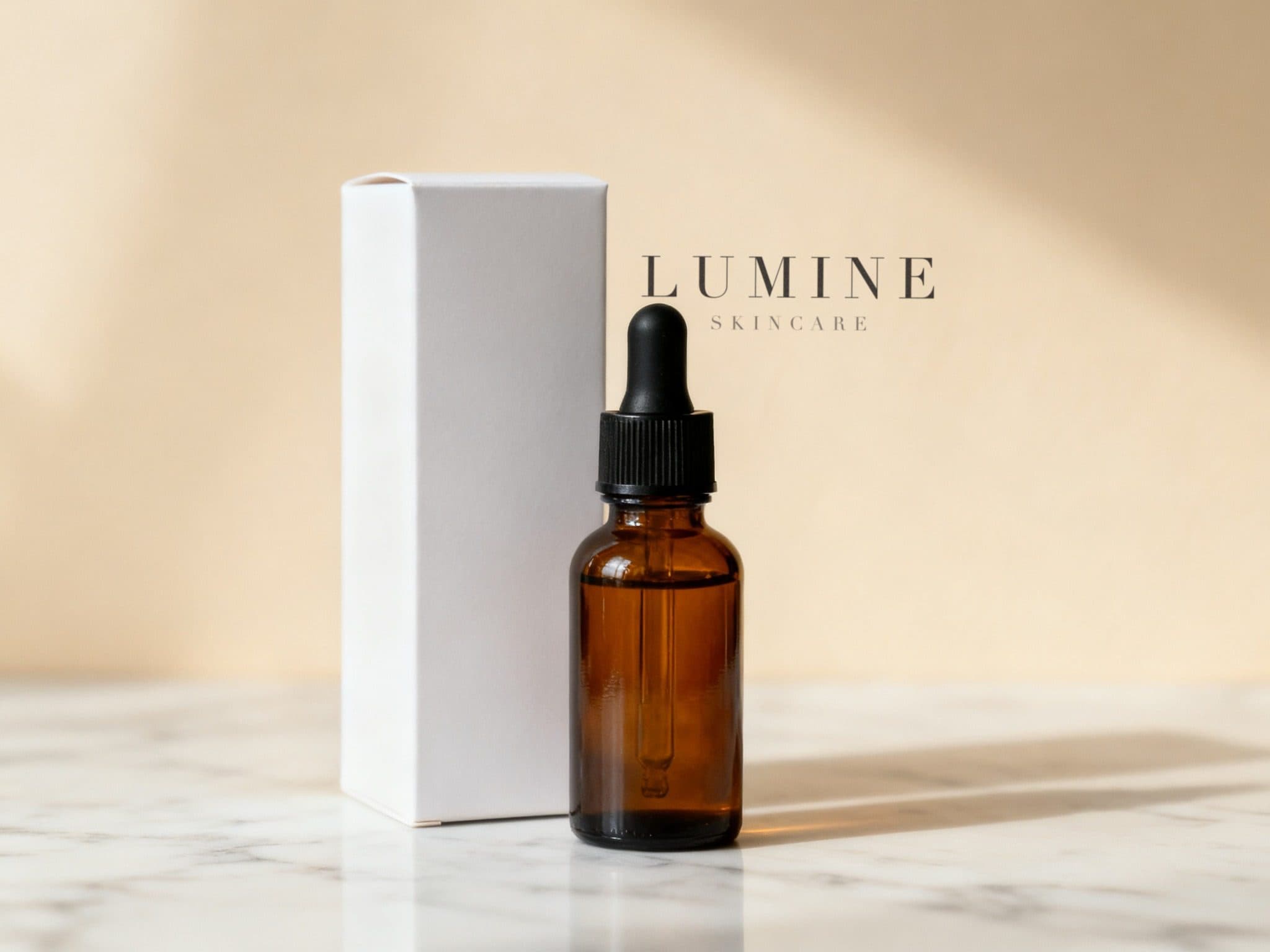
Logo remover — Before & After





Why erase a logo from a photo?
Resellers need clean product photos without supplier logos. Designers mock up apparel without brand marks. Photographers remove sponsor clutter from event shots. And everyone has vacation photos where a giant storefront logo steals the frame. A logo remover gives you back control of the image — without paying for a retoucher or cloning pixels by hand in Photoshop.
How to remove a logo with AI
Upload the image, zoom in, and brush over the logo — include a little margin around its edges. Click Erase and the logo remover analyzes the surrounding texture: fabric, leather, metal, skin, sky, or paper. It then synthesizes a fill that keeps the grain and lighting consistent. Large logos across textured surfaces come out best when erased in two or three smaller sections.
Logo removal use cases
Clean up e-commerce listings by removing brand marks from supplier photos. Fix old family scans where a photo-studio logo sits in the corner. Clear logos from car interiors before listing a vehicle. Remove channel or TV logos from screenshots for presentations. Whatever the surface, the same brush-and-erase flow works. If the mark is printed text or a semi-transparent stamp rather than a logo, see remove text from image and remove a watermark from a photo instead.
Logo remover vs. manual retouching
Clone-stamping a logo out by hand takes minutes to hours and leaves smudges on textured backgrounds. The AI logo remover does the texture reconstruction for you in about ten seconds, and you can re-brush and re-erase until the fill is perfect. It's the fastest way to a clean, natural-looking result. Curious how we stack up against other AI erasers? The Magic Eraser alternative page breaks down the differences — signup, watermarks, and free daily edits.
Frequently Asked Questions
Is this logo remover free to use?
Yes — brush over a logo and erase it free, 6 edits a day (3 manual + 3 AI auto), no account needed and no watermark on the download.
Can it remove logos from clothing and fabric?
Yes. The AI reconstructs the fabric weave behind the logo. Brush slightly past the logo's edge so the fill blends into undisturbed fabric.
Does it work on dark or glossy logos?
It does. Glossy or embossed logos just need the brush to cover the full highlight and shadow of the mark, so the AI replaces the entire distortion, not just the graphic.
Is removing a logo from an image legal?
That depends on the image and the use. Processing photos you own or have rights to is generally fine; using a logo remover to misrepresent branded goods is not. You are responsible for how you use the results.
Can I remove multiple logos from one photo?
Yes. Brush each logo and erase one at a time, checking the fill before moving to the next.