Bulk Background Remover — Batch Remove Backgrounds from Images
Need the same background removal across a whole set of photos? This bulk background remover processes up to 10 images in one batch — upload them together, and each one runs through the same AI cutout engine as the single-image background remover: subjects traced automatically, transparent PNG output, no brushing. Images process one at a time on our servers, so a full batch takes a few minutes. Every image costs 2 credits, and any image the AI fails on is refunded automatically — you only ever pay for results. Sign in to start your first batch.
Credits · Sign-in required · No watermark
A full 10-image batch = 20 credits ≈ $2
How to Batch Remove Backgrounds
Choose up to 10 images
Sign in, then drag in or pick 2–10 images. JPG, PNG, WebP, BMP up to 20 MB each — product shots, portraits, logos, anything with a clear subject.
The batch runs itself
Images process one at a time on our servers. Watch the live counter — no per-image clicking, no waiting on a single-image page 10 times.
Download your PNGs
Each finished image gets a transparent-PNG download button. Failed images are marked and refunded automatically — you never pay for a miss.
What Can You Run Through a Batch?
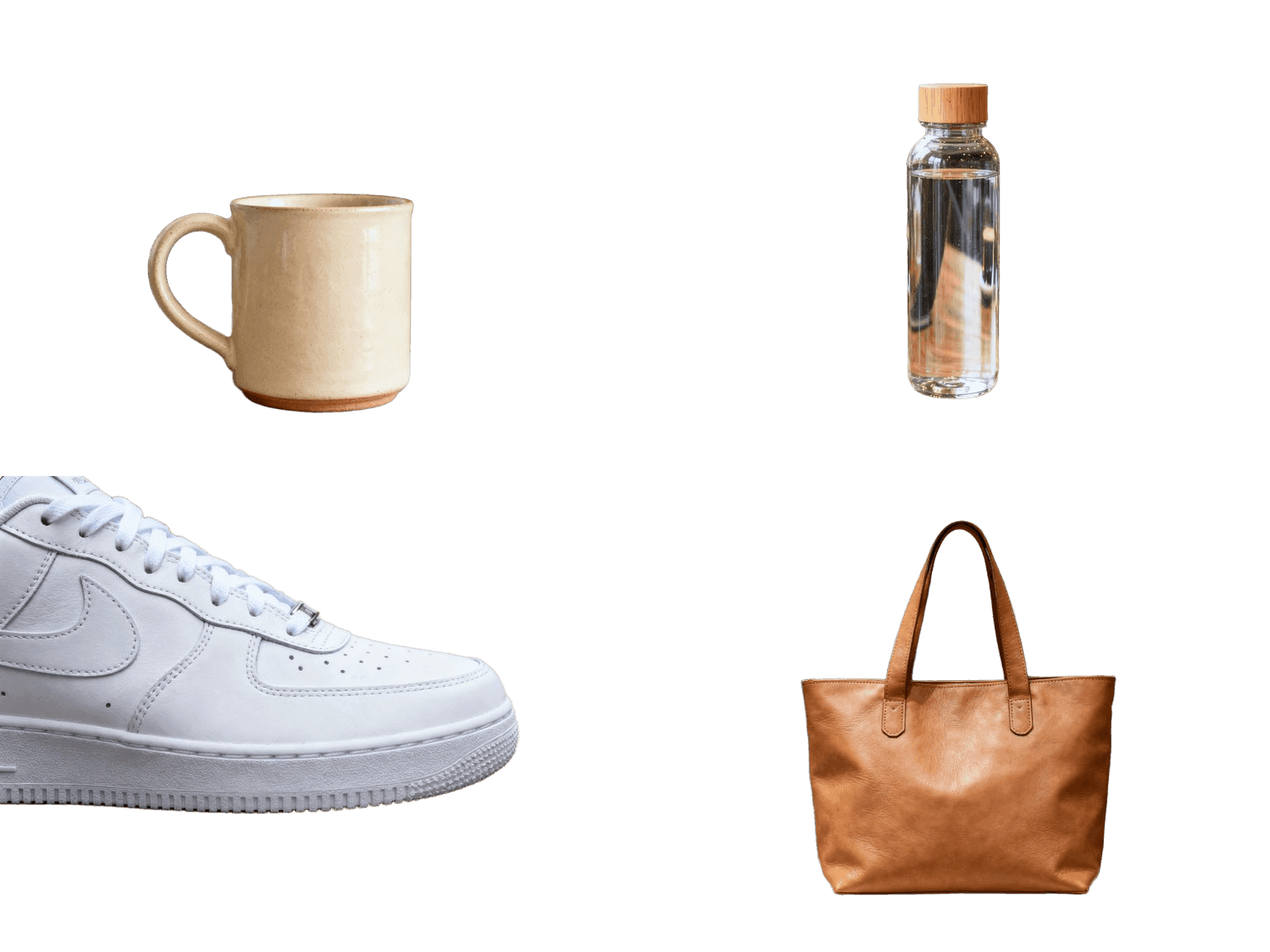
E-commerce Product Sets — 10 Listings in One Batch
Marketplaces want clean cutouts, and catalogs come in dozens. A product line means 20 nearly identical shots that all need the same treatment — too slow one page at a time. Drop up to 10 into one batch: every shot runs through the same background remover engine and comes back as a transparent PNG ready for white-background listings. At 2 credits an image, a full 10-photo set costs 20 credits and finishes while you write the descriptions.

Team Photos & Headshots — Hair-Level Edges at Batch Scale
One event, one team, thirty headshots that all need the same clean backdrop. Cutting portraits by hand is slowest exactly where it matters — along the hair. The segmentation model traces individual strands and soft edges on every photo in the batch, so the whole set drops onto one shared backdrop or a consistent profile-page white. Upload the folder in batches of 10 and every face comes back as a transparent PNG with the edges intact.


Logos & Brand Assets — Consistent Transparency, Whole Library
Brand kits collect assets from everywhere: scans, screenshots, old PDFs, each on its own colored background. Getting the whole library onto clean transparency used to mean opening every file by hand. Batch them 10 at a time — lettering, emblems and mascots come back as transparent PNGs clean enough to recolor and reuse at any size, so one afternoon settles the entire asset folder.

How the batch queue works
Pick 2 to 10 images (JPG, PNG, WebP or BMP, up to 20 MB each) and click remove. Your files upload first, then the batch runs on our server one image at a time — you'll see a live progress counter as each cutout finishes. Results stay on the results grid with a download button per image, so you can grab them as PNGs one by one. You can leave the tab open while it runs; if anything interrupts, sign back in and your most recent batch is still on your account.
Bulk watermark remover, too?
This page is built for batch background removal. Watermark and object removal work differently: each photo needs its own brush stroke over the watermark, so a true batch watermark remover can't guess what to erase for you. The fastest workflow for a batch watermark remover job is the single-image watermark remover — each edit takes a few seconds once the watermark is brushed. For very high volumes, contact us about API access.
Pricing, credits, and refunds
Each image in a batch costs 2 credits, deducted when the batch starts — so a full 10-image batch costs 20 credits. Credits come with any pack or plan from $3.90/month, and one-time packs never expire. Batch processing does not use the daily free edits, which stay reserved for the single-image tools. If the AI fails on an image inside your batch, that image's 2 credits are returned to your balance automatically, in the same currency of credits you spent. No charge, no ticket, nothing to claim.
Need bulk or API access? Contact us
Bigger volumes than 10 images per batch, API access, or white-label pricing for agencies and e-commerce teams — write to support@magicremover.app and tell us about your workflow. The 10-image limit keeps queues fast for everyone; we raise it for business accounts when throughput matters more than latency. Bulk processing is for images you own or have rights to. We don't process third-party copyrighted content in bulk.
Frequently Asked Questions
How many images can I remove backgrounds from at once?
Up to 10 images per batch, each up to 20 MB in JPG, PNG, WebP, or BMP format. Need more? Run another batch right after, or contact us for business accounts with higher limits and API access.
How much does the bulk background remover cost?
2 credits per image, charged when the batch starts. A full 10-image batch is 20 credits. Credits start at $3.90/month for 50, or $4.99 for a 50-credit one-time pack that never expires. Images the AI fails on are refunded automatically.
Do failed images get refunded?
Yes — automatically and immediately. Each image is charged separately, and if the AI can't process one, that image's 2 credits go back to your balance on their own. You only pay for images that return a cutout.
Can I use my daily free edits on a batch?
No — batch processing always uses credits, so your 6 daily free edits (3 manual + 3 AI auto) stay available on the single-image tools every day, even for signed-in free accounts.
Is this also a batch background remover for product photos?
Yes — e-commerce product sets are the most common use: shoot the catalog, drop 10 at a time, download transparent PNGs ready for marketplaces and white-background listings.
What about a bulk watermark remover or batch object remover?
Watermark and object removal need a brush stroke on each photo, so they can't run unattended like background removal. Use the single-image tools for those — or contact us about API access if you have very high volumes.